
Pick a better photo for your AI dance video
Simple photo choices that help with recognizable faces, visible movement and more consistent AI videos.
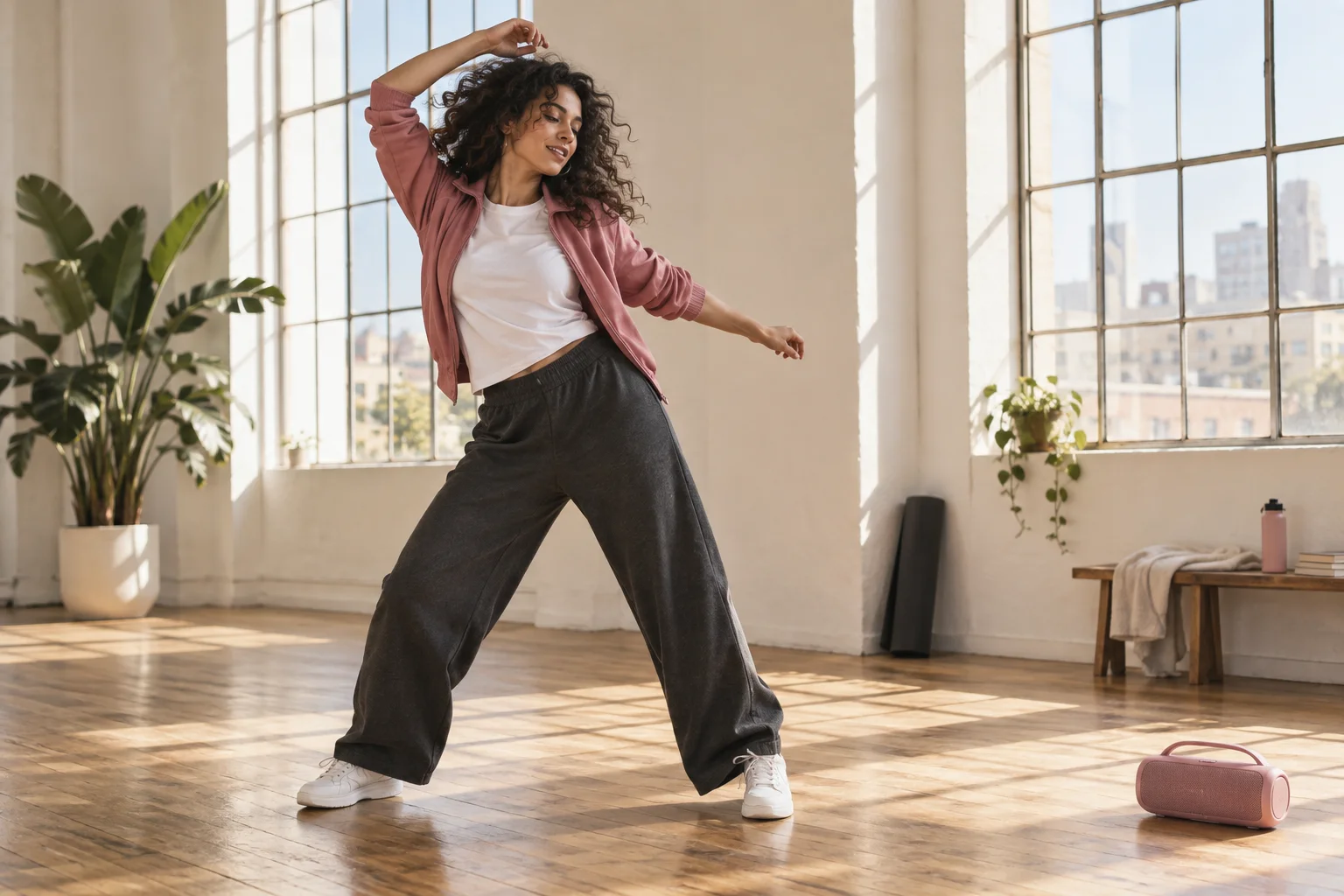
The model can only work with what your picture shows. A sharp, simple photo gives it fewer details to guess.
Keep the face clear
Face the camera in even light. Make sure the eyes, hairline and jaw are visible. Sunglasses, masks, deep shadows and strong beauty filters can make identity harder to preserve.
Use a recent photo that actually looks like the person you want to animate. Avoid enlarging a tiny screenshot: a bigger file does not restore missing detail.
Leave room for movement
For Recast, a visible head and upper body provide a useful reference. For Dance, a wider picture with arms and legs visible gives the model more information about the pose and clothing.
Keep the subject separate from background objects. Cropped hands and several overlapping people are harder to interpret.
Choose the background for your style
Recast aims to keep the reference video's scene. Dance uses the setting in your photo, so choose a background you want to appear in the result.
A bright room or an uncluttered outdoor setting is often easier to read than a dark or busy scene.
Know what gets uploaded
The browser resizes supported photos and re-encodes them before upload, removing embedded camera metadata. The visual contents of the photo are still sent to the generation service when you create a video; don't include private information you do not want processed.
Results can vary, even with a good photo. For upload problems or a failed task, open a support ticket. For the full workflow, read the creation guide.