Bulin 47 AI Trend: Recognize and Recreate the Format
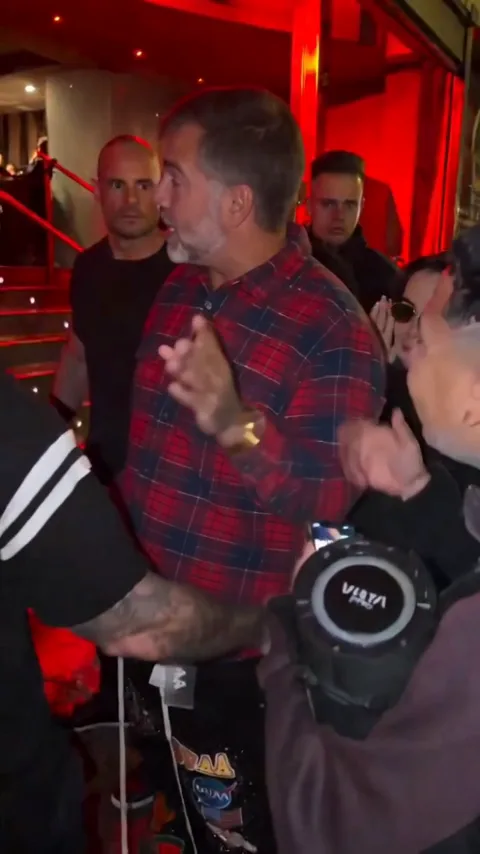
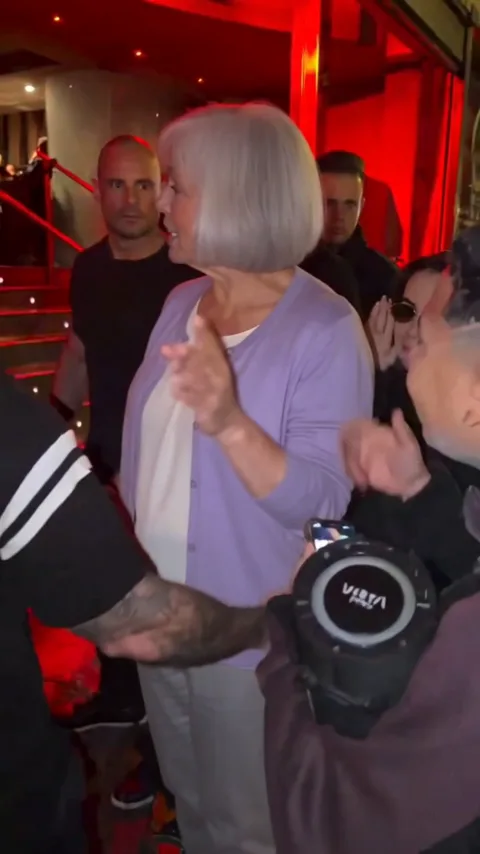
The Bulin 47 AI trend uses a familiar freestyle scene as the setting for a new lead performer. Recognition is the central idea: the audience knows the scene, then notices who has appeared inside it. A useful remake preserves that recognition while giving the new subject room to carry the joke.
Use the bulin47 ai homepage editor when the prepared freestyle matches your idea.
Identify the parts viewers recognize
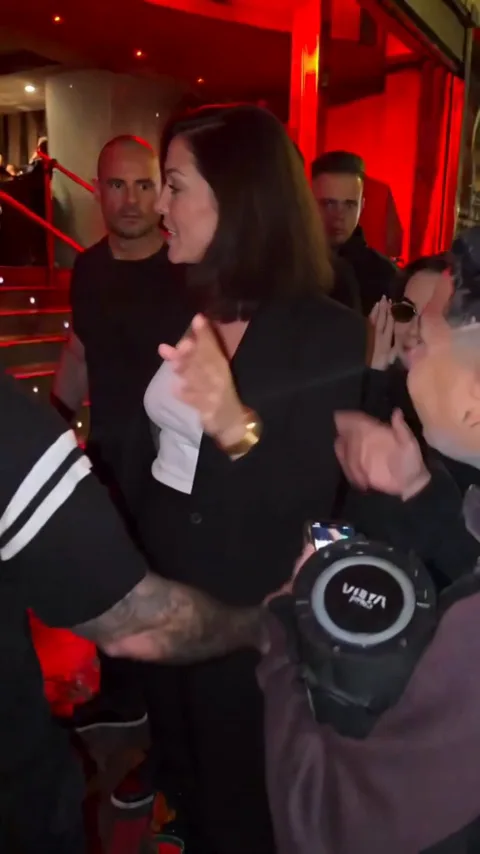
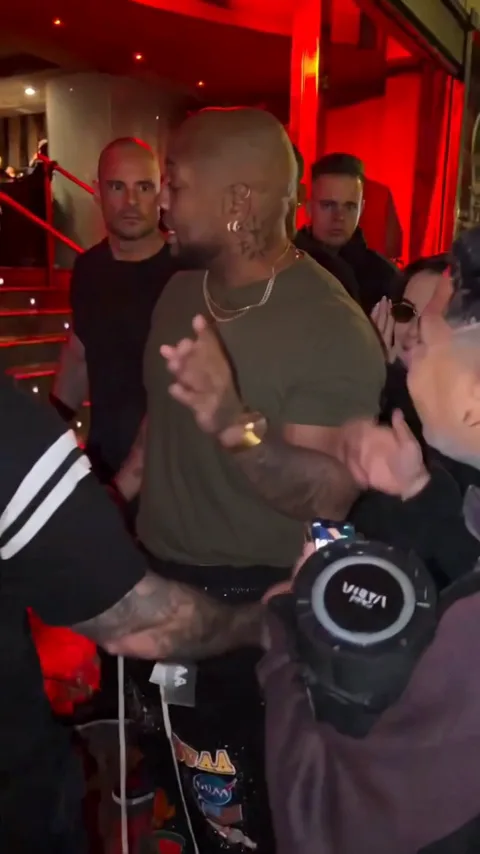
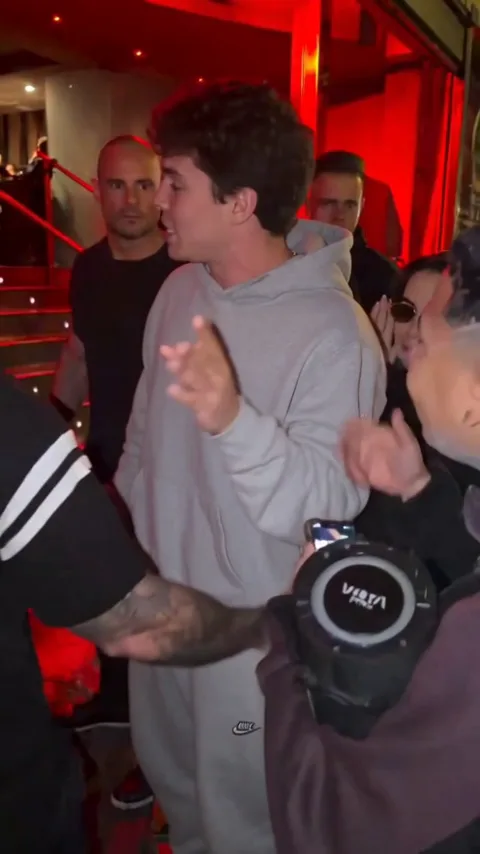
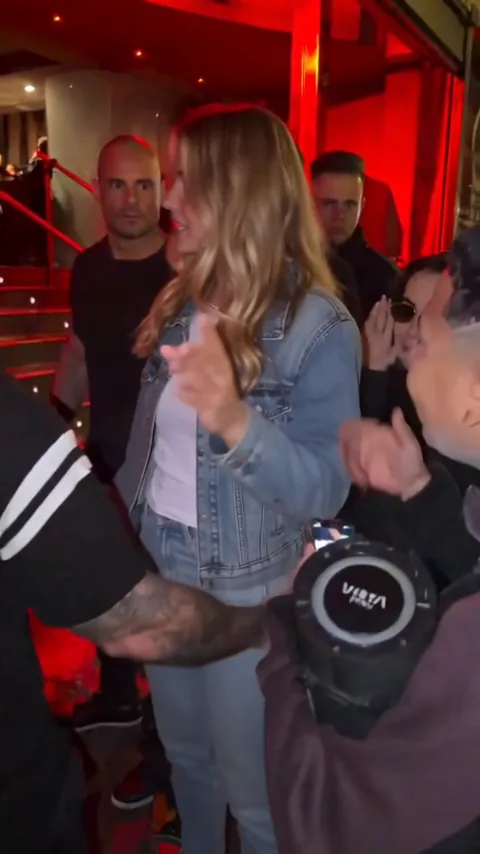
Watch the doorway, the surrounding crowd and the way the camera follows the performance. These visual cues help viewers identify the format before they inspect the new face. The soundtrack gives the scene another point of recognition, particularly for people who have seen several remakes.
When planning your version, keep the explanation short. A caption that lists every detail can distract from the reveal. Choose the person and occasion first, then let the familiar performance supply the context. The homepage samples show the type of scene the editor uses.
Give your version a specific reason to exist
A birthday greeting, a family in-joke or a self-portrait experiment gives the remake a clear audience. Decide what a viewer should recognize in the first few seconds. That decision helps you choose a photograph and prevents the video from depending on a long caption.
You do not need to imitate every post you have seen. A clear face and a relevant occasion can make the fixed format meaningful to your own group. Use the person's permission as part of the plan, including where the finished clip will be shared.
Keep the first viewing simple
Play the finished video with sound before adding text, cuts or music. Check whether the new lead is recognizable and the performance still reads clearly. Extra effects can hide weak transitions during editing but leave the final post harder to follow on a small screen.
Keep captions outside the face and main gesture. Current new videos are about 15 seconds in a vertical 9:16 MP4, so a single short caption usually leaves more room for the performance. Identify the clip as an AI remake when that context matters to viewers.
A practical brief for this remake
Occasion brief: a friend's birthday group already knows the freestyle. Use the friend's permitted portrait and one birthday caption after reviewing the complete generated clip.
This is a planning example. The homepage editor uses a prepared template and does not accept a custom prompt.
- Retain the recognizable scene context.
- Choose a specific audience and occasion.
- Watch with sound before adding effects.
Try the prepared freestyle in the homepage editor
- Choose a permitted JPG, PNG or WebP photo up to 10 MB with a clear face.
- Open the homepage editor, sign in and check your available videos. New accounts start at zero; generation requires a paid pack.
- Submit the photo, then use My Videos to review and download the result.
Your video is about 15 seconds, in 2K and vertical 9:16 MP4 format with audio based on the freestyle reference. Review current video packs before purchase. This is an independent fan-made project, unaffiliated with Bulin 47 or Kevin Wai.
Create my freestyle video ↗