Bulin 47 Template
Put one photo into a ready-made Bulin 47 freestyle scene. Explore the template format and how it differs from a mobile editing template.
Make my video
New videos are about 15 seconds in 2K. Sign in to see your available videos. Choose a one-time video pack from $5.90 USD. No subscription.
About 15 seconds · 2K · 9:16 MP4
Loading your account…
When you generate, your photo is uploaded and sent to our generation provider. Photo and video links are publicly readable by anyone who has them. Only upload a photo you have permission to use.
Choose your photo and make the scene yours.
What a Bulin 47 template contains
A Bulin 47 template provides the familiar scene, timing and sound as a starting point. Your photograph supplies the new performer. This makes the workflow much shorter than building a video from a blank timeline, where you would need to source and synchronize each part.
Read the guide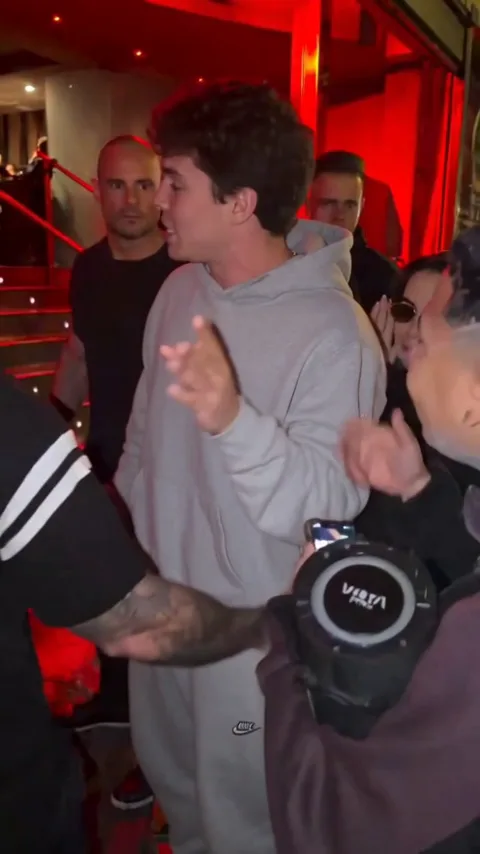
Your photo is the main creative choice
Use a photograph that makes the person easy to recognize. The face, hairstyle and visible clothes give the remake its identity. Pick an uncluttered adult portrait with both hands visible. The output is fixed at about 15 seconds in 2K, so you can focus on the performer.
See pricing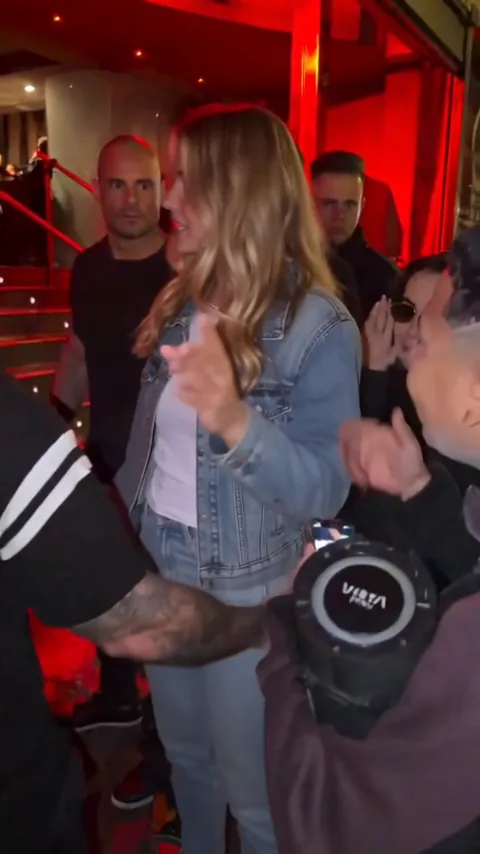
How to use the prepared scene
Select one photo and review its local preview. Sign in, check your available videos and click Generate. There is no template file to import, prompt to copy or reference clip to place on a timeline. Your task stays in your history while it runs.
Read the guide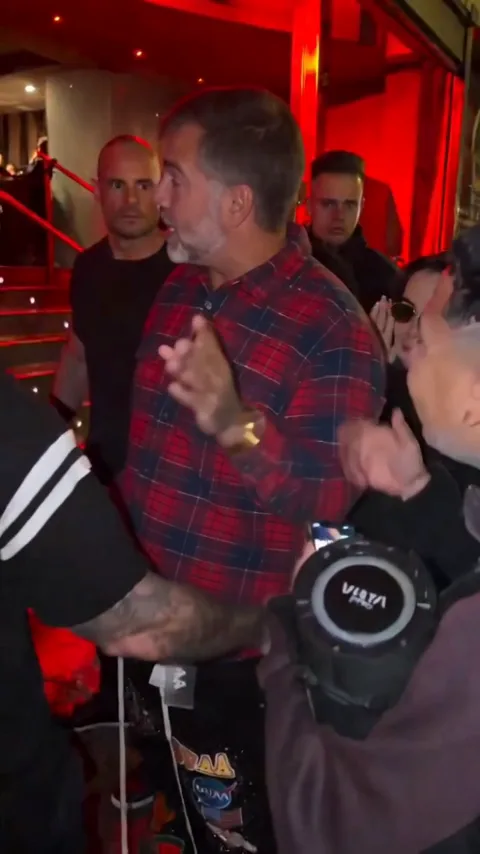
AI scene remake or editing template?
An AI remake changes the performer within the scene. An editing template may arrange cuts, overlays or photos on a fixed timeline. The exact result of a third-party template depends on its creator. Compare a finished example before choosing which workflow matches your idea.
See pricing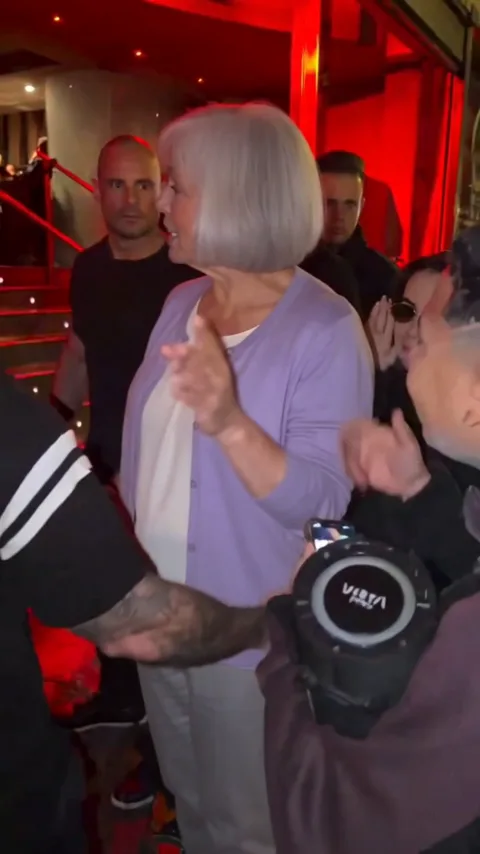
How to make a Bulin 47 AI video
One photo, three steps. Open the full guide for photo preparation and posting tips.
Upload one photo
One person, a clear face and good light. Keep both hands visible.
Generate your freestyle
Sign in, check your available videos and generate. About 15 seconds, fixed 2K.
Download and share
Review the vertical MP4 with sound, then share your freestyle.
Choose your way into the freestyle
A prepared scene, a general AI platform or an editing template: each starts somewhere different.
| What you choose | Bulin 47 AI | General AI tools | Editing templates |
|---|---|---|---|
| Main input | One photo | Depends on the tool | Photos or clips |
| Starting point | Prepared freestyle scene | Prompt or reference | Creator’s timeline |
| Creative controls | Fixed 15s · 2K · 9:16 | Model and feature dependent | Cuts, captions and effects |
| Sound | Freestyle reference audio | Check the selected feature | Template dependent |
| Best for | This recognizable scene | Broader creative ideas | Hands-on editing |
Find your next step
Understand the trend, prepare your photo, or compare the ways to make it.
Browse all freestyle guides ↗CapCut Comparison
Understand the difference between a Bulin 47 CapCut edit and a one-photo AI scene remake before choosing your workflow.
Dreamina Comparison
Compare prompt-driven Bulin 47 video ideas with a prepared freestyle workflow that starts from one photograph.
Pricing
Make your Bulin 47 freestyle from $4.99 per video. One video is $5.90, 3 are $15.90 and 10 are $49.90 USD. Pay once. No subscription.
The Trend
What is the Bulin 47 AI trend? Explore the freestyle format, why the character swap works, and how to join with one photo.
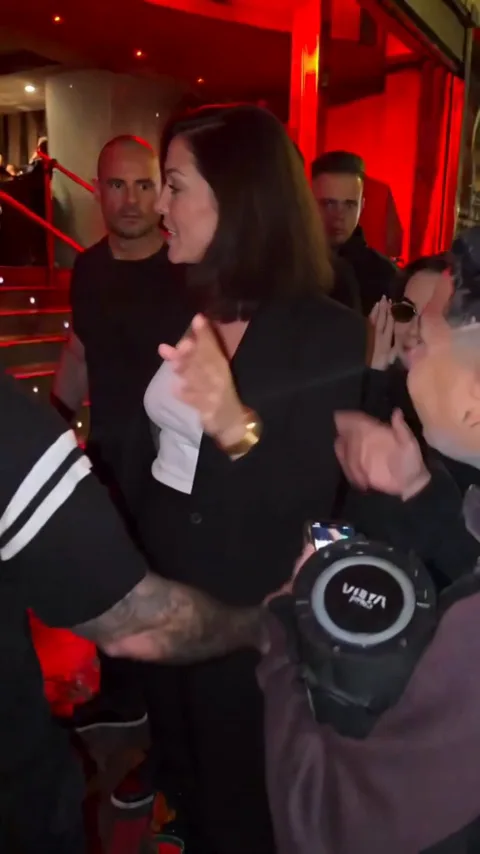
AI Video
Turn your photo into a Bulin 47 AI video. Watch six freestyle videos, then create your own vertical clip of about 15 seconds in 2K with audio.
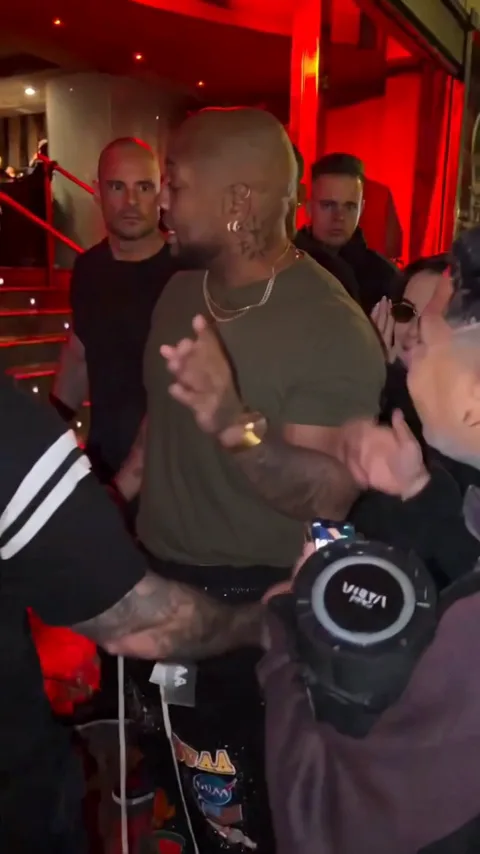
How to Make
Learn how to make a Bulin 47 AI video: prepare one clear photo, check your available videos, then generate and download a 2K vertical freestyle.
Bulin 47 AI questions
A few things to know before your first freestyle.
01Do I need to download a template file?
No. The prepared scene is part of the browser generator.
02Can I change the entire scene?
This workflow focuses on the recognizable freestyle scene. Use a general editor if you need a different background, soundtrack or timeline.
03What is Bulin 47 AI?
Bulin 47 AI is a one-photo freestyle video tool. Choose a portrait to put a new performer into the recognizable Bulin 47 scene, with audio based on the original reference and a vertical format.
04What photo works best?
Use one clearly visible adult in good light. A half-body photo with both hands visible is best. Avoid group photos, sunglasses and strong filters. Use a photo you own or have permission to use.
05How long are the videos?
Your video is about 15 seconds long, in 2K resolution and vertical 9:16 MP4 format.
06Is Bulin 47 AI free?
There is no free generation trial. You can watch all six examples and read the guides. New accounts start with 0 available videos; one-time video packs start at $5.90 USD.
07Do I need an app or a prompt?
No separate app or written prompt is needed. Choose a supported photo, sign in and check your available videos. The 15-second, 2K format is fixed.
08Is this the official Bulin 47 app?
No. This is an independent fan-made website, with no affiliation to Bulin 47, Kevin Wai or their labels.
Your Bulin 47 freestyle is one photo away
Bring your photo. Keep the rhythm. Make the scene your own.