Bulin 47 AI Video: Plan, Generate and Review
A Bulin 47 AI video puts a person from a photograph into a prepared freestyle scene. The useful starting point is the finished composition: a recognizable face, readable gestures and the familiar soundtrack. This guide explains how to judge those parts before and after generation.
Use the bulin47 ai homepage editor when the prepared freestyle matches your idea.
Choose a photo for a moving scene
A portrait that looks good as a profile picture can still be difficult to animate. Look for visible eyes, an unobstructed mouth and enough detail around the jaw. A hand across the face or a strong beauty filter gives the model less reliable information when the performer turns.
Use a photograph with one intended subject. Keep the original file when possible, rather than a screenshot with interface controls. The homepage accepts JPG, PNG and WebP files up to 10 MB. If the picture includes several people, choose a different photograph with a clear lead subject.
Read the whole frame
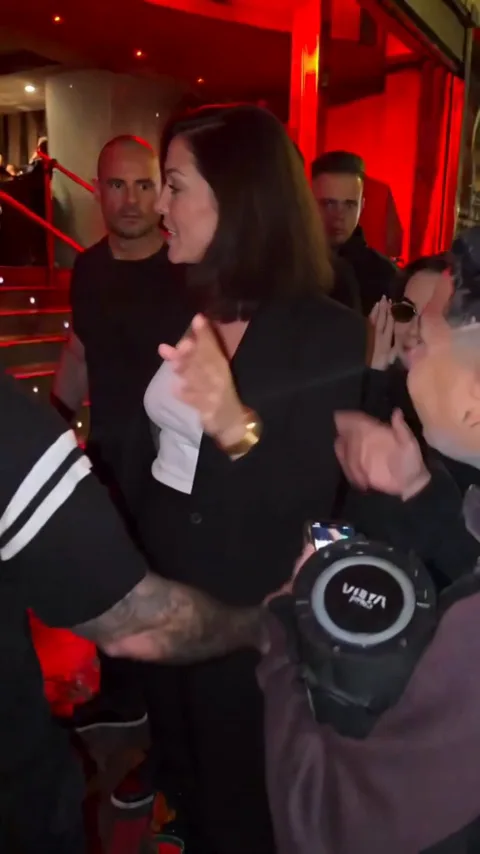
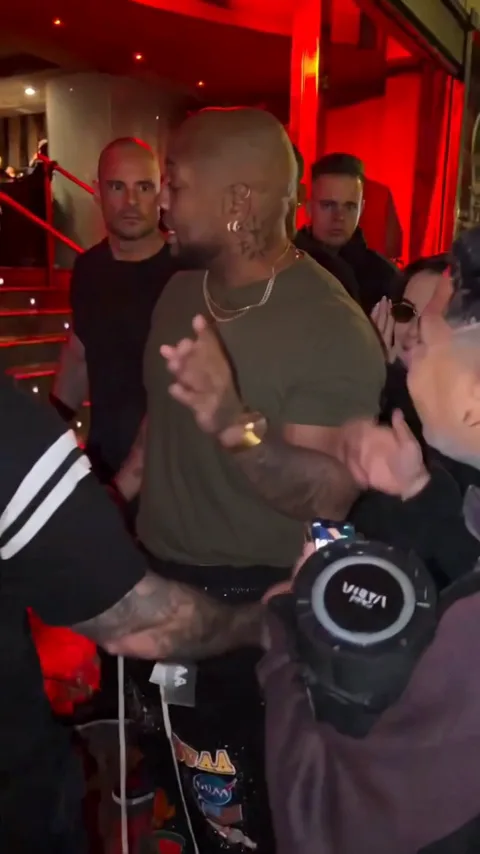
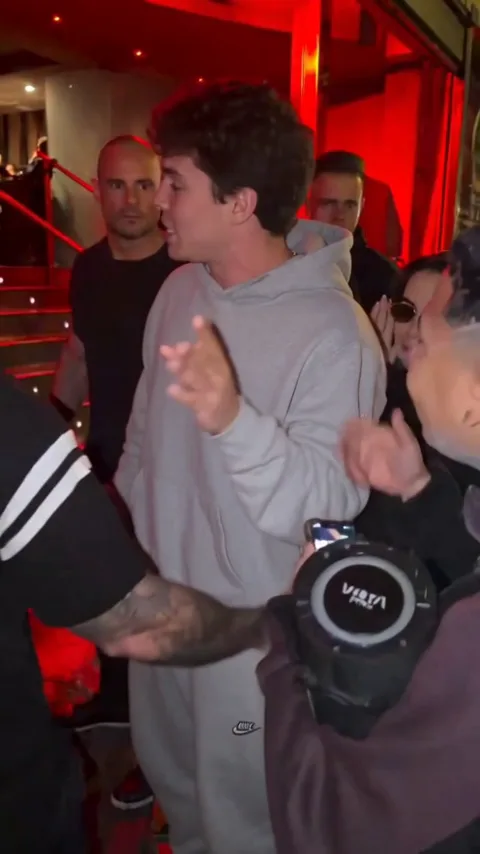
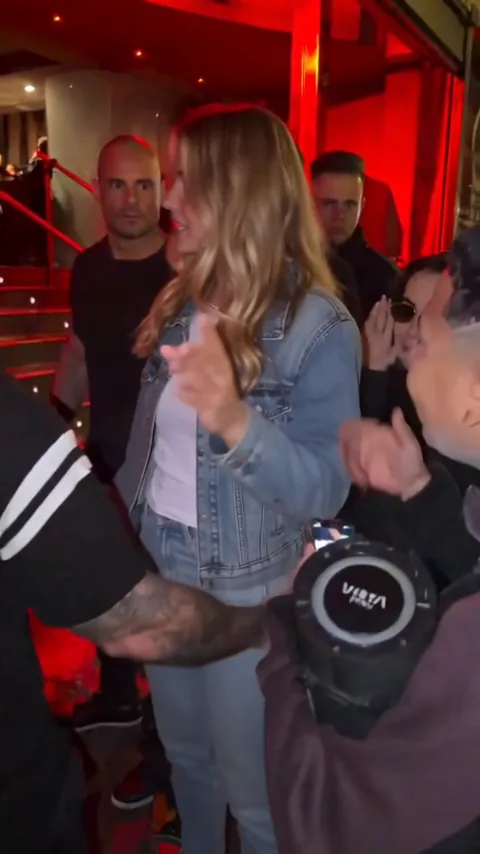
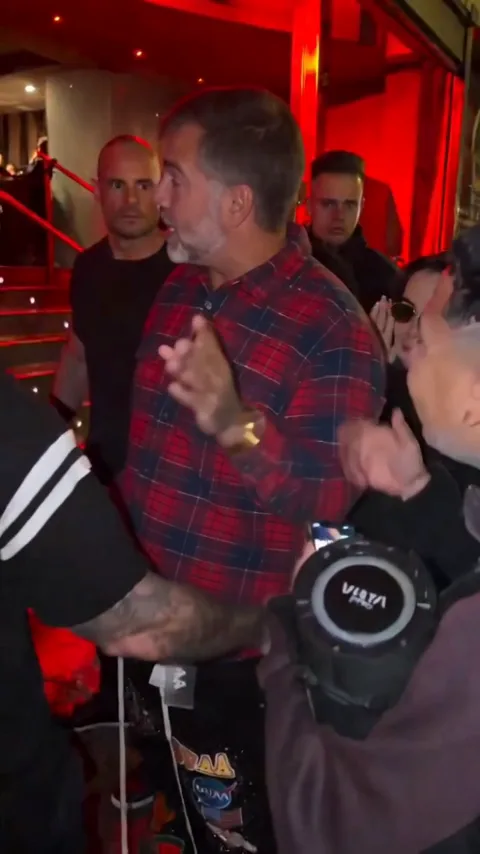
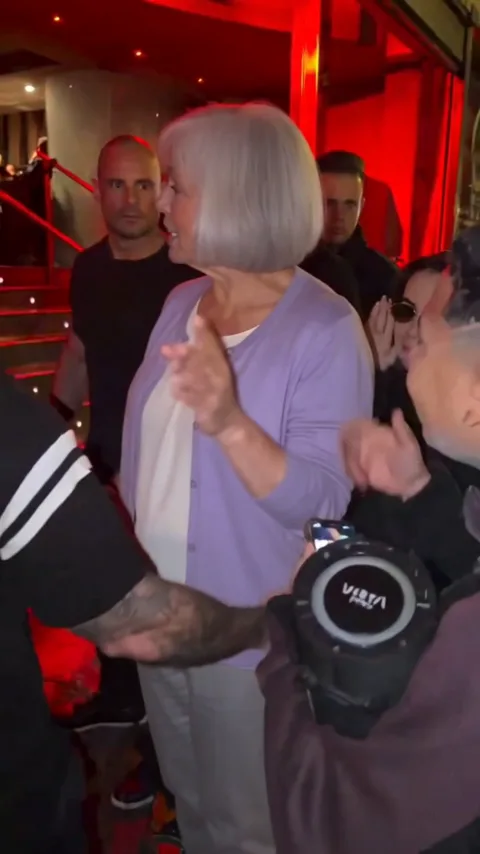
The performance includes more than the central face. Background people, foreground objects and camera movement contribute to the joke. Watch a sample once for the subject and again for the surrounding action. That second viewing makes it easier to spot a distracting change in your own result.
The example videos show the freestyle scene, timing and style. Their resolution differs from your 2K download. Your generated video is about 15 seconds long, in vertical 9:16 MP4 format with audio. Review the examples to decide whether the scene fits your idea.
Review motion at normal speed
Start with a normal-speed playback with sound. Check whether the face remains recognizable during a head turn, whether hands stay separate from the face and whether the closing frame still belongs to the same scene. Then pause only at the moments that looked distracting during playback.
A frame-by-frame inspection can reveal small artifacts that nobody notices in motion. Use both views: normal playback for the overall performance and paused frames for identity or anatomy errors. Keep the version that communicates the intended person clearly throughout the clip.
Prepare the file for sharing
Download the result from your account history and watch the downloaded MP4. Check the opening and ending before adding any caption. A caption can explain the relationship to the person in the photograph, but it should not cover their face or the central gesture.
Ask the person pictured before publishing a recognizable remake. Describe the clip as AI-generated when viewers could mistake it for a real performance. If you add platform music, check how it interacts with the included soundtrack instead of letting two vocal tracks compete.
A practical brief for this remake
A friend appears in the prepared doorway freestyle. Use a clear portrait, keep the generated scene intact and add a short caption after reviewing the downloaded file.
This is a planning example. The homepage editor uses a prepared template and does not accept a custom prompt.
- Check the face during turns, not only the first frame.
- Play the downloaded MP4 with sound.
- Keep captions away from the performer.
Try the prepared freestyle in the homepage editor
- Choose a permitted JPG, PNG or WebP photo up to 10 MB with a clear face.
- Open the homepage editor, sign in and check your available videos. New accounts start at zero; generation requires a paid pack.
- Submit the photo, then use My Videos to review and download the result.
Your video is about 15 seconds, in 2K and vertical 9:16 MP4 format with audio based on the freestyle reference. Review current video packs before purchase. This is an independent fan-made project, unaffiliated with Bulin 47 or Kevin Wai.
Create my freestyle video ↗